

Google just sent a clear signal to every performance marketing team: the way Customer Match audiences get built is changing, and if your first-party data pipeline runs through an intermediary — like Google Play — you’re about to feel that friction everywhere. The Customer Match workflow is migrating to the Data Manager API, Google’s new centralized infrastructure for first-party data ingestion. For Android app teams still distributing through Google Play, this isn’t just a developer concern. It’s a strategic gap. And PWA installs close that gap entirely.
→ Want to bypass Google Play entirely? See how ROiBest PWA works — no submission, no cut, 1.2x installs.
What the Customer Match → Data Manager API Migration Actually Means
Google’s official guidance now recommends that advertisers avoid building new Customer Match workflows on the legacy Google Ads API, and instead migrate to the Data Manager API. This isn’t a minor technical update — it’s a fundamental shift in how Google expects first-party data to be managed, structured, and fed into advertising audiences.
The Data Manager API became generally available in December 2025. It’s designed to give advertisers a single, unified pipeline for ingesting customer data — emails, phone numbers, behavioral signals — and connecting that data directly into Google Ads targeting, including Customer Match lists.
The implication is straightforward: the quality and completeness of your Customer Match audiences now depends entirely on the quality and completeness of your first-party data. Google’s matching algorithm is only as good as the inputs you give it. If those inputs are incomplete, delayed, or controlled by someone else’s data infrastructure — you lose.
Why Google Play Creates a First-Party Data Barrier
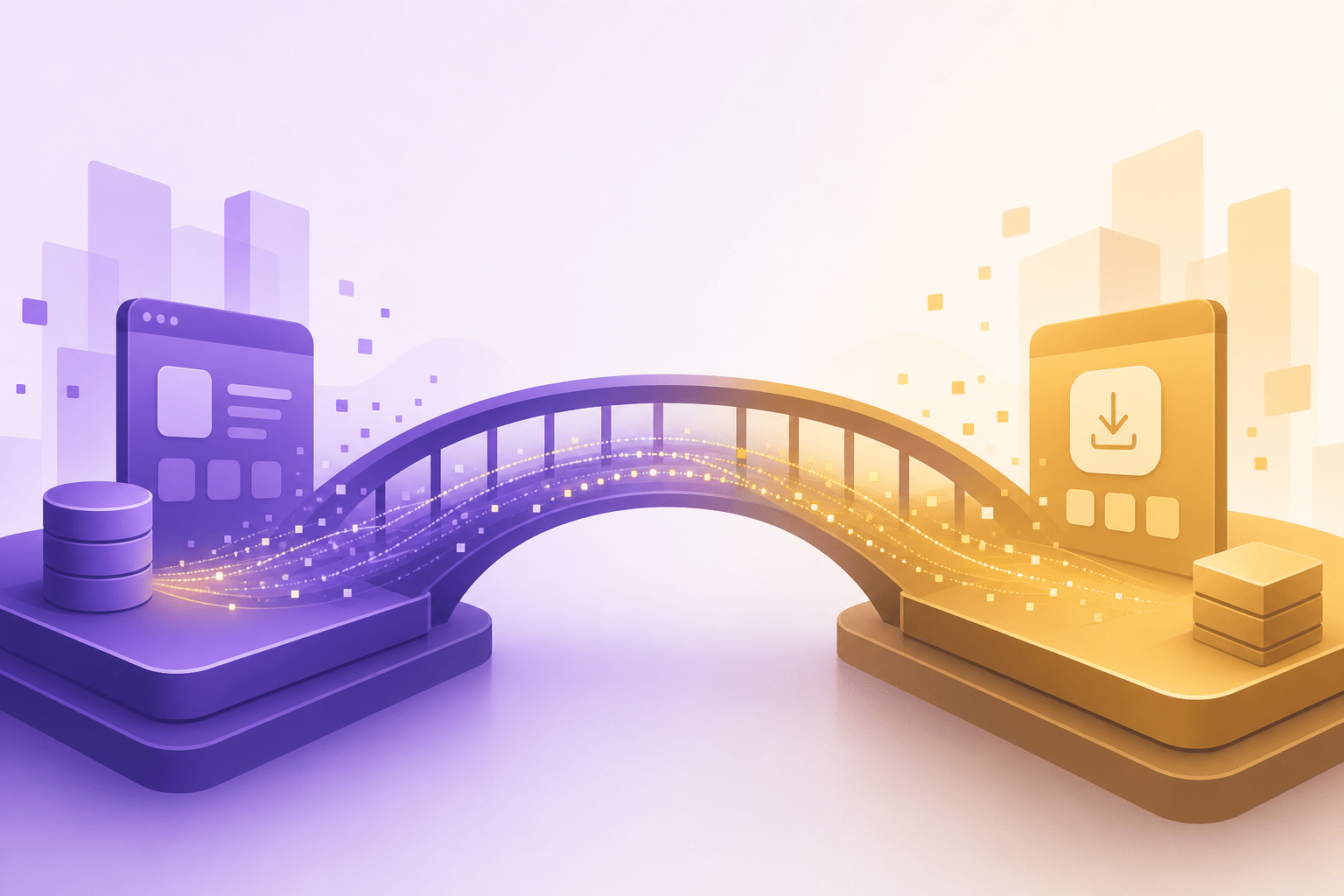
Here’s where Android app teams run into a structural problem that the Customer Match migration has now made undeniable.
When a user installs your app through Google Play, the data from that install event is owned and processed by Google Play’s infrastructure — not yours. You receive what Google decides to share with you, through the measurement channels Google supports, on Google’s timeline.
This creates three specific problems for Customer Match:
No Direct Email or Identity Signal at Install
Google Play does not pass the installing user’s email address to your team at the moment of install. The user’s identity — the most critical piece of data for Customer Match — exists in Google’s ecosystem, but it doesn’t automatically flow to your CRM or data pipeline. You’re building audiences downstream from an event you don’t fully observe.
The Attribution Gap Between Install and Match
Customer Match works best when the data is fresh and complete. But with Google Play as the install vector, your customer record is assembled through a chain of events: install fires, attribution platform receives a postback, your CRM gets updated, you build a list, you upload that list to Customer Match. Every step in that chain introduces latency and potential data loss. When Google’s matching infrastructure is becoming more sophisticated via the Data Manager API, feeding it stale or fragmented data undercuts your investment.
Intermediary Control Over the Pipeline
The Data Manager API is explicitly designed to let advertisers control their own data pipeline directly. But if your user acquisition funnel runs through Google Play, you’ve already surrendered control at the most critical moment — the install itself. Google Play is the intermediary, and intermediaries create gaps between what the user does and what you know about it.
For teams investing in Customer Match as a retargeting and lookalike strategy, this is a real ceiling on campaign performance. The Android PWA vs Google Play complete guide explores this distribution gap in depth, but the short version is this: the channel you use to acquire users determines how much data you actually own about those users.
How PWA Installs Give You Direct Data Ownership
A PWA install — specifically an Android PWA installed via a custom distribution flow like ROiBest — operates on completely different data architecture than a Google Play install.
When a user lands on your PWA and completes the install prompt, that entire interaction happens on your domain, in your infrastructure. You’re not routing through an app store. There’s no intermediary between the user action and your data layer.
You Capture the Identity Signal Directly
Because the PWA install flow happens on your web infrastructure, you can collect the user’s email, phone number, or any other identifier at the point of acquisition. Your onboarding flow, your registration form, your confirmation email — all of this runs through your own stack. The user data goes directly into your CRM, your analytics platform, and your Customer Match feed.
This is exactly the architecture the Data Manager API is designed to work with. You become the controller of your own first-party data pipeline, with no app store layer in between.
Install Source Attribution Is Yours to Own
With PWA distribution, you control the UTM parameters, the campaign source, and the install attribution from the first click to the install event. You know exactly which campaign, which creative, and which audience segment drove each install. When you build a Customer Match audience from PWA-installed users, you can segment by install source, by campaign, by creative — creating match lists that are far more targeted than anything you can build with Play Store installs.
The connection between better attribution data and better Customer Match performance is well established. Teams that have gone through similar data ownership improvements with other channels have seen measurable gains in match rates and subsequent retargeting performance. The same logic applies here, and it’s worth reviewing how Meta attribution changes and PWA tracking reflect the same underlying shift toward first-party data ownership.
Behavioral Data Flows Without Platform Interference
Post-install, a PWA running on your infrastructure sends behavioral events — session starts, feature usage, conversion events — through your own event pipeline. You’re not dependent on a platform SDK to expose that data to you. Your Customer Match audiences can be refreshed continuously, automatically, with fresh behavioral signals that reflect what users are actually doing in your app today.
Compare this to the Play Store model, where in-app behavioral data flows through Google’s measurement frameworks, and what you can extract and use for Customer Match is constrained by what those frameworks allow.
Real Comparison: Data Ownership by Install Channel
To make this concrete, here’s how the data pipeline differs between a Google Play install and a PWA install when you’re trying to feed Customer Match through the Data Manager API:
Google Play Install Path
- User installs from Play Store
- Google Play controls identity (no email passed to you)
- Attribution postback arrives via third-party MMP, often delayed 24–48 hours
- You build a partial customer record, missing email or identity signal
- Customer Match upload contains incomplete identifiers
- Match rate suffers; audience size underperforms
- Retargeting and lookalike campaigns run on incomplete signal
PWA Install Path (ROiBest)
- User lands on your domain via any paid or organic channel
- Install prompt is triggered and completed on your infrastructure
- Email, phone, or any identifier captured at registration — in real time
- UTM and campaign data attached to the user record at install moment
- Data flows directly to your CRM and Data Manager API pipeline
- Customer Match list is fresh, complete, and updated continuously
- Match rates improve; ROAS on retargeting and lookalike campaigns reflects it
The operational difference is not subtle. Teams seeing the delta between these two models typically cite match rate improvements in the 20–40% range once they shift install volume to PWA and connect that data directly to their Google Ads pipeline. This aligns with broader findings on ad measurement and PWA install tracking, where direct data ownership consistently outperforms intermediated tracking setups.
Why This Matters More in 2026 Than It Did Before
The Customer Match → Data Manager API migration isn’t happening in isolation. It’s part of a broader Google infrastructure shift toward requiring advertisers to own and manage their first-party data at a higher level of quality and completeness.
Google’s enhanced conversions framework, the Privacy Sandbox’s impact on third-party signals, and now the Data Manager API consolidation all point in the same direction: advertisers who control their first-party data pipeline will outperform those who rely on intermediaries to supply it.
For Android app teams, the choice of install channel is now directly a data strategy decision. Google Play install volume generates Google’s data. PWA install volume generates your data. In a world where the quality of your Customer Match audiences determines the quality of your remarketing and acquisition campaigns, which outcome you want should be clear.
The timing also matters. Teams that migrate their install volume to PWA now will have six to twelve months of first-party data accumulated before competitors who stay on Google Play realize the structural disadvantage they’re operating under. The Data Manager API rewards advertisers who have complete, well-structured first-party data. Building that dataset takes time. Starting now is an advantage that compounds.
Common Questions from App Distribution Teams
Does a PWA deliver the same user experience as a native Android app?
For the categories where PWA distribution is most effective — games, utility apps, financial apps, content apps — the user experience difference is minimal and often invisible to the end user. PWAs install to the home screen, run full-screen, support push notifications, and work offline. The install prompt converts at rates competitive with or better than Play Store listing page conversions for paid traffic.
Can we run PWA and Google Play simultaneously?
Yes, and many teams do during a migration period. The strategic question is where you direct your paid acquisition budget. For teams optimizing Customer Match performance, directing paid install traffic to the PWA channel and using that data pipeline for audience building will produce better Customer Match inputs than splitting volume with Play Store traffic.
Is the first-party data we collect via PWA compliant with Google’s Customer Match policies?
Customer Match requires that you have a direct relationship with the users whose data you’re uploading — meaning you collected the data yourself with appropriate consent. PWA installs where you collect email at registration, with proper consent flows, are exactly the kind of first-party relationship Google’s policy intends. Contrast this with Play Store installs, where you don’t have a direct data relationship with the user at the moment of install.
What about push notifications after uninstall?
This is one of the most significant operational differences between PWA and native apps. PWA push notifications can be delivered to users even after they’ve removed the app icon from their home screen, because the notification permission is tied to the browser, not the app installation. This means your Customer Match re-engagement campaigns have a secondary owned channel — push — that reinforces paid retargeting without additional cost.
Getting Started: From Play Store to PWA Data Ownership
The path from Google Play dependency to owned first-party data infrastructure doesn’t require a full technical rewrite of your application. ROiBest handles the PWA infrastructure — distribution, install prompt optimization, push notification delivery — while your team focuses on connecting the user data that comes through to your existing CRM and Google Ads pipeline.
The immediate steps are straightforward:
- Identify your highest-value paid acquisition campaigns currently driving Google Play installs
- Set up a PWA distribution channel through ROiBest with your existing app
- Connect the install data pipeline to your CRM and Customer Match upload process
- Run a 30-day parallel comparison between Play Store and PWA Customer Match audience quality
- Shift budget allocation based on what the match rate data shows
The Google Customer Match migration to the Data Manager API is a forcing function. It demands that advertisers have clean, complete, directly-owned first-party data. For Android app teams, the fastest path to meeting that standard is removing the app store from your install data pipeline entirely.
Skip the app store. Go live instantly, keep 100% of your revenue.
ROiBest helps Android app teams launch PWAs — no review process, no 30% Google Play cut, and push notifications that work even after uninstall. Teams see up to 1.2x higher install conversion rates vs native app downloads.


发表评论