


Google’s Performance Max campaigns promise to find conversions across every Google channel — Search, Display, YouTube, Discover, Gmail, Maps. But the 2026 channel timeline data tells a different story: for Android app install campaigns, PMax spreads budget across channels with wildly different conversion rates, and you have limited visibility into which channels actually drive installs. For teams distributing via PWA instead of Google Play, this channel inefficiency becomes a fixable problem rather than an accepted cost.
→ Want to bypass Google Play entirely? See how ROiBest PWA works — no submission, no cut, 1.2x installs.
The PMax Channel Budget Problem for App Install Campaigns
Google’s Performance Max uses machine learning to allocate your budget across channels in real-time. The theory: the algorithm finds conversions wherever they’re cheapest. The reality for app install campaigns in 2026:
- Display Network absorbs 40-60% of budget by default. Display inventory is cheap and abundant, so PMax gravitates toward it. But Display channel install conversion rates are typically 0.3-0.8% — far below Search (3-5%) or YouTube pre-roll (1.5-2.5%).
- Channel-level reporting is limited. Google provides “Insights” showing rough channel allocation, but you can’t see conversion rates broken down by channel in real-time. You’re trusting the algorithm with limited ability to verify.
- App install attribution through Google Play adds latency. When PMax drives users to your Google Play listing, the install event passes through Play Store’s attribution system — adding 24-48 hours of data delay. The algorithm is optimizing on stale signals.
The core issue: PMax treats all install conversions as equal, regardless of which channel delivered them. But a user who searches “best AI dating app” and installs has fundamentally different intent (and lifetime value) than a user who taps a Display banner and installs out of curiosity.
How PWA Distribution Fixes PMax’s Channel Problem
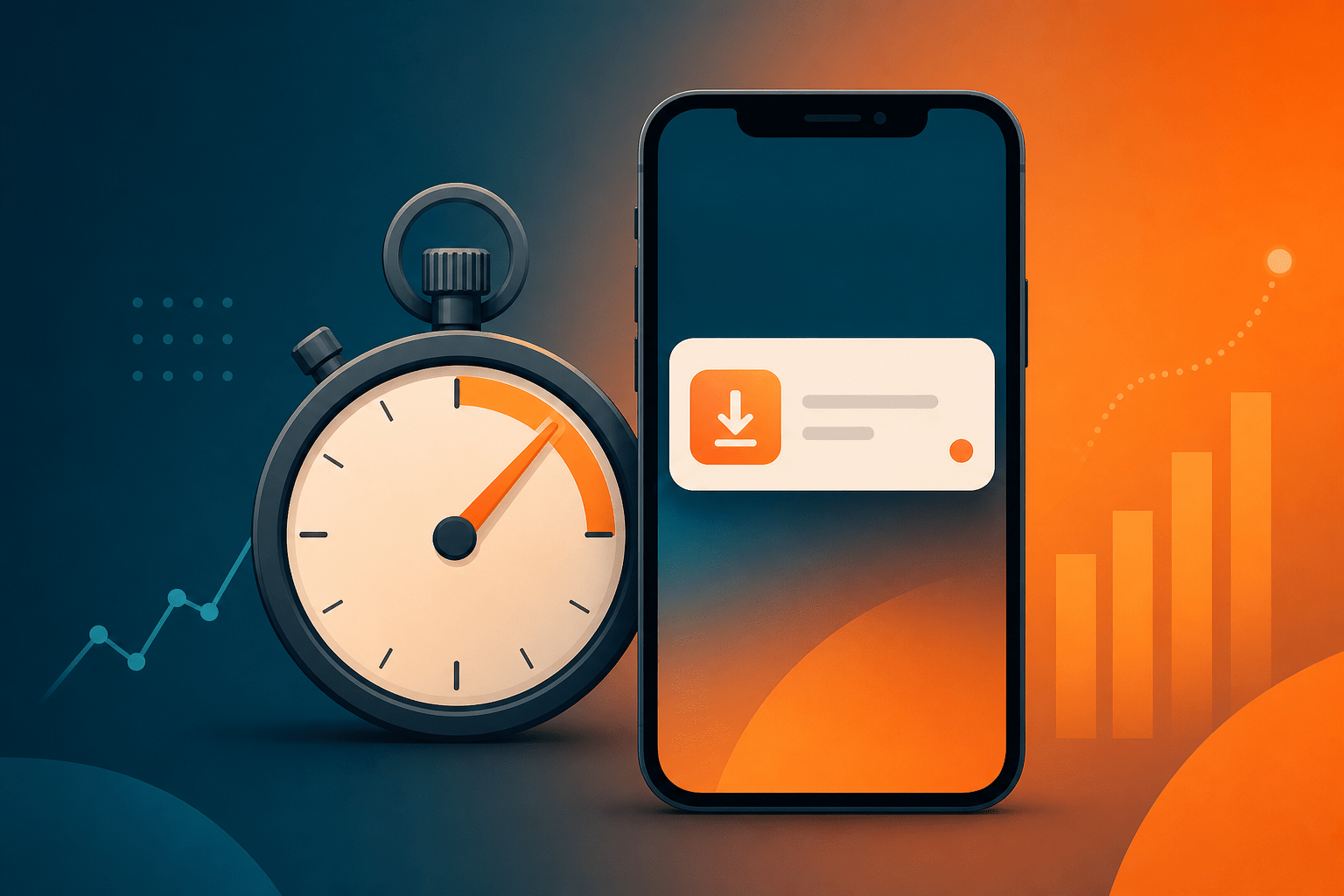
When you distribute your app as a PWA rather than through Google Play, the PMax channel problem transforms. Instead of sending all traffic to a Google Play listing (where you lose tracking granularity), PMax traffic lands on your PWA install page — where you control the entire measurement stack.
Real-Time Channel Attribution
With PWA as your conversion endpoint, every PMax click carries Google’s campaign parameters directly to your domain. You can see exactly which channel (Search, Display, YouTube, Discover) drove each visit and whether that visit converted to an install. This gives you data Google’s own reporting doesn’t provide:
- Per-channel install conversion rate: See that Search drives 4.2% install rate while Display drives 0.6% — then use this data to inform your PMax asset strategy.
- Per-channel cost per install: Calculate true CPI by channel, not just the blended number PMax reports.
- Per-channel user quality: Track which channels deliver users who complete registration, make purchases, or reach D7 retention — not just users who install.
This level of channel visibility connects directly to the broader measurement advantages that PWA distribution provides over Google Play’s tracking limitations.
Instant Conversion Signals
Google Play installs report back to PMax with a 24-48 hour delay. PWA installs fire a conversion event the moment the user adds to home screen — typically within 30 seconds of landing on your page. This means:
- PMax optimizes on fresh data: The algorithm receives install signals in near real-time, allowing it to shift budget toward converting channels faster.
- Budget waste reduces automatically: When PMax gets faster feedback that Display clicks aren’t converting, it reallocates to Search and YouTube sooner — before burning through your daily budget on low-intent Display impressions.
- Intraday optimization becomes possible: With real-time conversion data, you can observe PMax’s channel allocation patterns and adjust assets (images, videos, headlines) to steer the algorithm toward better-performing channels.
3 Steps to Optimize PMax with PWA Distribution
Step 1: Set Up Channel-Level Conversion Tracking
Configure your PWA install page to capture and store PMax’s gclid (Google Click ID) along with the network type parameter. When the conversion fires, send it back to Google Ads via Enhanced Conversions with the original click data. Simultaneously, log the channel source in your analytics:
- Use UTM parameters (utm_source=google, utm_medium=pmax) plus Google’s auto-tagged parameters to identify channel.
- Map Google’s network parameter values to readable channel names in your analytics dashboard.
- Build a daily report showing: impressions, clicks, PWA installs, and downstream conversions — broken down by channel.
Step 2: Use Asset Groups to Influence Channel Allocation
PMax doesn’t let you choose channels directly, but asset composition heavily influences where your budget goes. Using your channel-level PWA data:
- If Search performs best: Strengthen your headline and description assets with high-intent keywords. Add more long-tail variations. PMax will allocate more to Search when it has strong text assets to serve.
- If YouTube performs best: Invest in video assets. Upload multiple video lengths (6s bumper, 15s pre-roll, 30s+ in-stream). Strong video assets pull budget toward YouTube.
- If Display underperforms: Reduce image asset variety or use lower-quality images for Display sizes. PMax will naturally shift away from Display when it has weaker creative for those placements. This connects to how understanding attribution changes helps you make better cross-platform decisions.
Step 3: Implement Conversion Value Tiers
Instead of reporting all PWA installs as equal-value conversions, send tiered conversion values based on user quality signals:
- PWA install only: Base value (e.g., $1)
- Install + registration: Medium value ($5)
- Install + registration + first purchase: High value ($20)
When PMax receives differentiated values, it optimizes for higher-value conversions — which typically come from higher-intent channels like Search. This naturally shifts budget away from Display (which delivers install-only users) toward channels that deliver engaged users.
PWA vs Google Play: PMax Performance Comparison
Based on data from Android gaming and AI app teams running PMax campaigns:
- Install conversion rate: PWA landing pages convert 1.2x higher than Google Play listings from the same PMax traffic (because you eliminate the Play Store as a friction point).
- Budget efficiency: Teams report 20-35% lower CPI when using PWA as the conversion endpoint, primarily because the algorithm receives faster feedback and wastes less on low-converting channels.
- User quality: D7 retention for PMax-acquired PWA users averages 15% higher than Play Store installs from the same campaign — likely because instant feedback lets PMax identify and target higher-intent users faster.
- No revenue sharing: Beyond campaign performance, PWA distribution eliminates Google Play’s 30% cut on in-app purchases, meaning your PMax ROAS calculation improves immediately by keeping all post-install revenue.
Common Questions About PMax + PWA
“Does Google allow PWA as a PMax conversion endpoint?”
Yes. PMax campaigns can optimize toward any web conversion event — including PWA install (add to home screen). You set up the conversion action in Google Ads as a website conversion, not an app install conversion. The algorithm treats it identically for optimization purposes.
“Won’t I lose access to Google’s app-specific targeting?”
PMax’s targeting is signal-based regardless of conversion type. When you provide audience signals (custom segments, in-market audiences), PMax uses them whether the endpoint is Play Store or a web page. The targeting intelligence comes from Google’s user data, not from the app store connection.
“How do I handle users who prefer native app experiences?”
Modern PWAs on Android are indistinguishable from native apps for most use cases — they live on the home screen, support push notifications, work offline, and run in a standalone window. Users don’t know (or care) whether they installed from Play Store or from a web page.
For Android app teams running PMax campaigns, the combination of PWA distribution + channel-level tracking turns PMax from a black box into an optimizable system. You gain the targeting power of Google’s algorithm while maintaining the data ownership that efficient performance marketing requires.
Skip the app store. Go live instantly, keep 100% of your revenue.
ROiBest helps Android app teams launch PWAs — no review process, no 30% Google Play cut, and push notifications that work even after uninstall. Teams see up to 1.2x higher install conversion rates vs native app downloads.


发表评论