

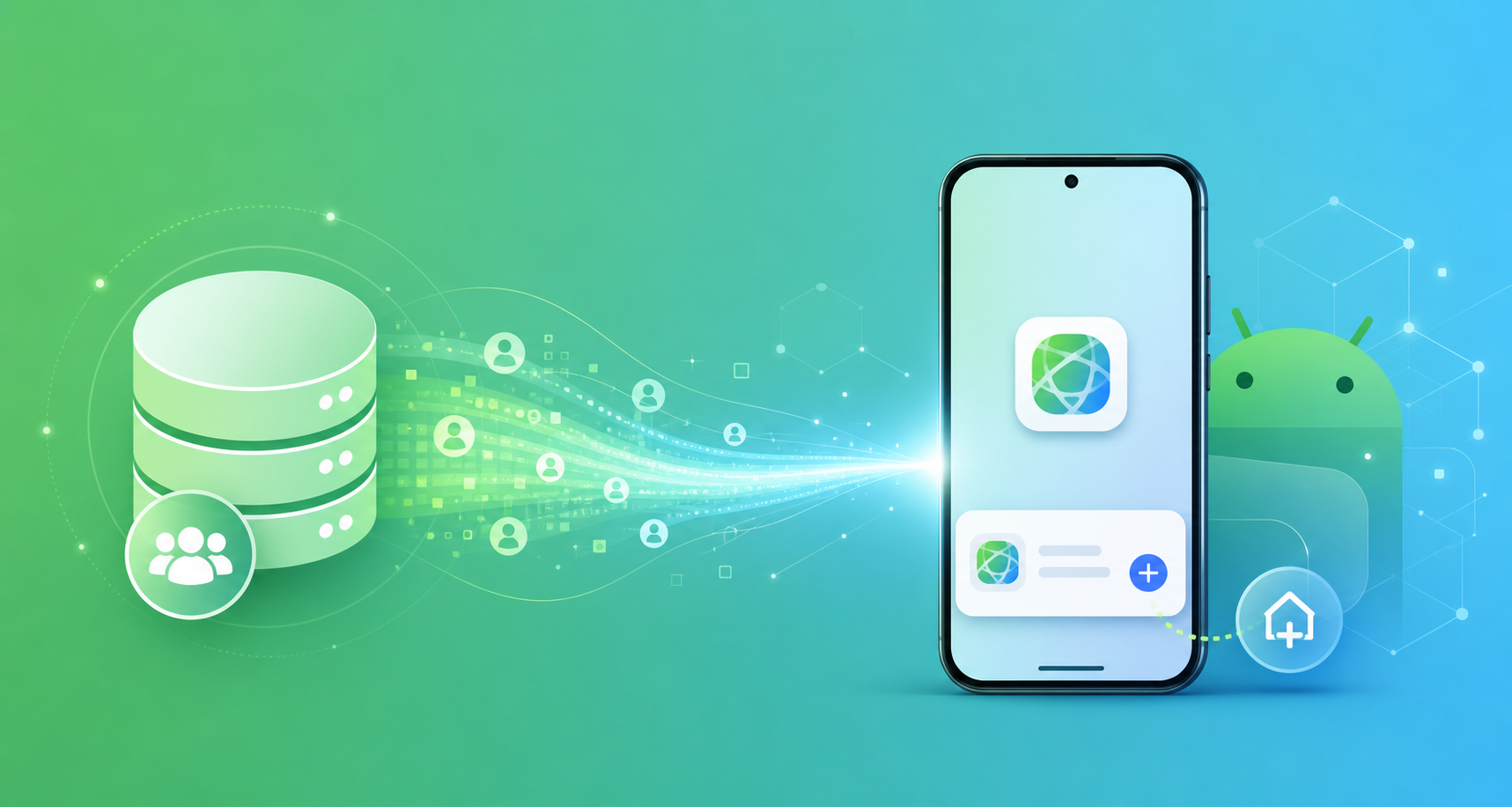
Google’s migration of Customer Match to the Data Manager API isn’t just an infrastructure upgrade. It’s a clear signal: first-party data is now the foundation of every effective Android install campaign. And for teams running Android PWA distribution, this shift creates a significant and largely untapped advantage.
When Customer Match works properly — with clean, matched first-party audiences feeding into your UAC and PMAX campaigns — Android PWA install rates improve materially. The reason is straightforward: PWA install flows are lighter, faster, and more conversion-optimized than native app store redirects, which means they get more value out of every high-quality audience signal Google’s systems receive.
→ Want to bypass Google Play entirely? See how ROiBest PWA works — no submission, no cut, 1.2x installs.
This guide explains what Google’s Customer Match migration to Data Manager means in practice, why first-party data audiences perform better with Android PWA install campaigns, and the four steps to complete the migration and set up your PWA campaigns to capture the full benefit.
What the Customer Match to Data Manager Migration Actually Changes
Google has been transitioning Customer Match from its legacy API to the unified Data Manager platform, which consolidates first-party data management across Google Ads, Analytics, and other Google products. The migration requires advertisers to update their API integrations, but the functional changes are significant — not just technical.
Under the new Data Manager system:
- Data freshness improves: Customer Match lists update in near-real-time rather than with a 24-48 hour delay. This means your highest-intent users — recent registrations, recent purchasers — enter your targeting pool faster.
- Match rates increase: The Data Manager uses enhanced hashing and Google’s expanded identity graph to match customer emails and phone numbers more accurately. Early adopters report match rate improvements of 15–25%.
- Cross-campaign integration deepens: Data Manager audiences automatically flow across UAC, PMAX, and Display campaigns without manual duplication. One Customer Match list can power your full Google Ads funnel simultaneously.
- Consent and compliance controls centralize: For advertisers operating in the EU or California, consent signals are managed centrally in Data Manager, simplifying compliance across campaigns.
For Android app advertisers, the key benefit is the combination of improved match rates and real-time data freshness. These factors directly improve bid optimization efficiency in UAC and PMAX — which is where most Android install budgets are concentrated.
Why First-Party Data Audiences Perform Better With Android PWA
Customer Match audiences represent your most valuable users: people who’ve already interacted with your brand, registered, or purchased. When these audiences see ads and click through, they arrive at your app install flow with the highest conversion intent of any segment you can target.
This is where the Android PWA advantage becomes concrete. Consider what happens in each install scenario:
Google Play install flow: User clicks ad → redirected to Google Play store page → must accept Play store permissions → downloads app package (often 50-200MB) → waits for installation → opens app. Each step adds friction and drop-off. For a high-intent Customer Match user, this multi-step process loses 40-60% of conversions before the first app open.
Android PWA install flow: User clicks ad → lands on PWA install page → single-tap “Add to Home Screen” prompt → installed instantly (no download wait, package is KB not MB) → opens immediately. The entire flow takes under 30 seconds. Drop-off from click to first open is 55-65% lower than native app store flows.
When you’re spending to reach your best Customer Match audiences, every point of install-flow friction costs real money. The combination of first-party audience precision and PWA install efficiency is what drives the 1.2x install conversion rate improvement that ROiBest customers see consistently.
For a deeper look at how PWA compares to Google Play across distribution scenarios, see our Android PWA vs Google Play complete distribution guide.
3 Ways Customer Match Improves Android PWA Install Performance
Benefit 1: Lookalike Seed Audiences With Higher Match Quality
Customer Match lists that feed into Google’s Similar Audiences (now integrated into PMAX Audience Signals) create lookalike pools. Higher match rates from Data Manager mean a larger, more accurate seed pool — which translates into lookalike audiences that more closely resemble your actual converters. When these lookalike users click your ads and hit a PWA install flow, the conversion rates track closer to your Customer Match audience rates than they do to general traffic, because the audience modeling is more precise.
Benefit 2: Exclusion Lists That Eliminate Wasted Spend
Customer Match exclusion lists — suppressing ads to users who’ve already installed or converted — are more effective with Data Manager’s real-time updates. In legacy Customer Match, a user who converted yesterday might still appear in your non-installer targeting for 24-48 hours. In Data Manager, they’re excluded within hours. For PWA install campaigns with daily budgets over $5,000, this alone typically saves 3-8% of spend that was previously wasted on already-converted users.
Benefit 3: Re-engagement Campaigns With Owned Push Notification Backup
Customer Match re-engagement campaigns target users who’ve lapsed — installed but stopped engaging. For PWA users, this pairs with a unique advantage: Android PWAs support push notifications even after the app is “uninstalled” (which in PWA terms means removed from the home screen — the service worker remains active in Chrome). This means Customer Match re-engagement ads and push notifications can work in tandem to bring back lapsed users, creating a re-engagement infrastructure that native apps on Google Play can’t replicate because uninstalled apps lose all push access.
See how this plays out in real campaign scenarios in our guide to Google’s conversion-first strategy and Android PWA performance.
4 Steps to Migrate Customer Match and Set Up PWA Campaigns
Step 1: Complete the Data Manager Migration
If you’re still using the legacy Customer Match API, you need to migrate before the deprecation deadline. Log into Google Ads, navigate to Tools → Data Manager, and follow the migration wizard to connect your existing Customer Match lists. You’ll need to re-authenticate any CRM integrations (HubSpot, Salesforce, and most major CRMs now have native Data Manager connectors). Migration typically takes 2-3 hours with a CRM integration and up to a week for custom API setups.
Step 2: Verify and Expand Your Match Rate
After migration, check your Customer Match match rates in Data Manager under Audiences → Match Statistics. A healthy match rate is 40%+ for email lists and 30%+ for phone lists. If your match rate is lower, consider:
- Normalizing email addresses (lowercase, no trailing spaces)
- Adding phone numbers as a secondary identifier
- Enriching your CRM records with additional Google-accessible signals
Step 3: Add Customer Match Audience Signals to Your PMAX PWA Campaign
In your PMAX campaign settings, add your Customer Match lists as Audience Signals under the “Audiences” section. PMAX treats these as optimization targets — it doesn’t restrict delivery to only these users, but uses the signals to inform its bidding model. For PWA install campaigns, using your highest-LTV customer segment as a PMAX signal typically reduces target CPA by 15-25% compared to running without audience signals.
Step 4: Create a Dedicated Re-engagement Campaign With Customer Match + PWA
Set up a separate UAC or PMAX campaign targeting your lapsed Customer Match segment (users who installed via PWA 30-90 days ago but haven’t completed a target in-app event). Pair this with a push notification sequence in your PWA backend. The combination of paid re-engagement targeting and owned push notifications creates a dual re-engagement loop — paid touches bring back users who’ve moved the PWA off their home screen, and push notifications re-engage users who kept it.
For more context on how TikTok-sourced audiences interact with PWA install campaigns, see our recent analysis of TikTok Shop AI video content and Android PWA install performance.
Common Questions About Customer Match and Android PWA Strategy
Do I need to have a Google Play app to use Customer Match for PWA installs?
No. Customer Match audiences are based on your CRM data, not your app store presence. You can run Customer Match campaigns driving to a PWA install page without any Google Play listing. Many ROiBest customers run exclusively PWA-based install campaigns with full Customer Match and PMAX audience functionality.
Does Customer Match work with PWA-specific conversion events?
Yes. As long as your PWA install event is tracked as a conversion in Google Ads (via GA4 or direct Google Ads tag), Customer Match optimization treats PWA installs as a valid conversion goal. The key is ensuring your PWA install event fires reliably and is connected to your Google Ads conversion settings.
What’s the timeline for seeing Customer Match impact on PWA install CPA?
Most advertisers see initial signal from Data Manager migration within 72 hours of completing the migration. The PMAX learning period for updated Audience Signals typically completes within 7-14 days. Budget for a 2-week learning period before drawing conclusions from post-migration CPA data.
Summary: First-Party Data Is the New PWA Install Optimization Stack
Google’s Customer Match to Data Manager migration creates a meaningful upgrade to your Android install campaign infrastructure — but only if you pair it with an install flow that can convert that high-quality audience efficiently. That’s where Android PWA delivers its most measurable advantage.
Your action list for 2026:
- Complete the Customer Match migration to Google Data Manager
- Verify match rates and expand your identifier coverage (email + phone)
- Add Customer Match segments as PMAX Audience Signals in your PWA install campaigns
- Build a dedicated re-engagement campaign pairing Customer Match retargeting with PWA push notifications
The advertisers who will see the most from Google’s first-party data push in 2026 are the ones who combine clean Customer Match data with install flows optimized enough to convert it. Android PWA is the install-flow side of that equation.
Skip the app store. Go live instantly, keep 100% of your revenue.
ROiBest helps Android app teams launch PWAs — no review process, no 30% Google Play cut, and push notifications that work even after uninstall. Teams see up to 1.2x higher install conversion rates vs native app downloads.
发表评论