

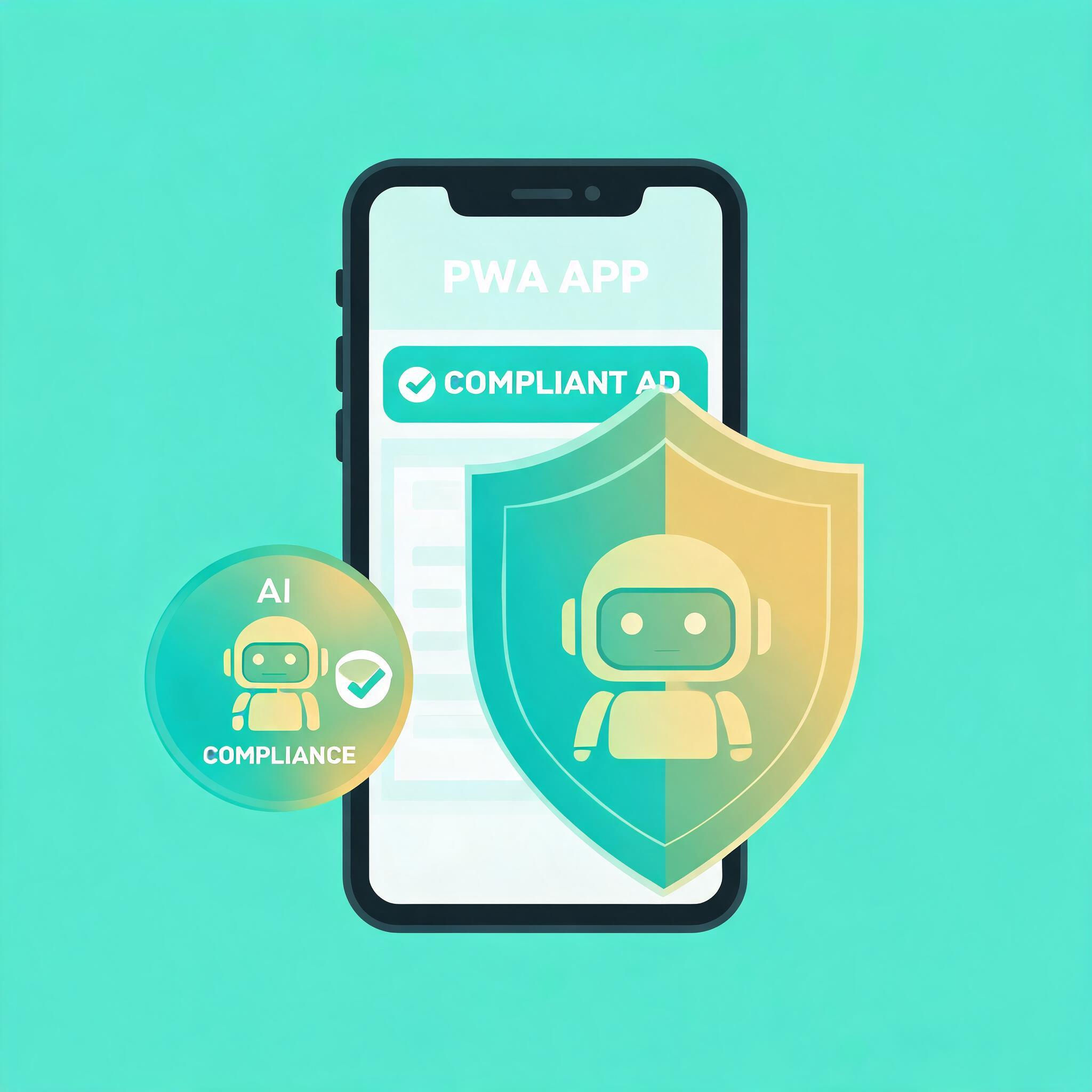
Every major ad platform now requires AI-generated content labels. Meta mandates disclosure since Q1 2026. Google Ads rejects creatives without proper AI attribution. TikTok suspended accounts for unlabeled AI content. For Android app teams using AI to generate ad creatives at scale, this compliance wave creates real operational risk — unless your distribution model sidesteps the platforms that enforce it most aggressively.
PWA distribution through direct web landing pages gives you something Google Play cannot: full control over your content labeling, creative compliance, and user experience without platform intermediaries dictating what you can and cannot show.
→ Want to bypass Google Play entirely? See how ROiBest PWA works — no submission, no cut, 1.2x installs.
The 2026 AI Content Label Landscape: What Changed
Here is the current state of AI content disclosure requirements across major platforms:
- Meta (Facebook/Instagram): All AI-generated or AI-modified images and videos in ads must carry “Made with AI” label. Failure to disclose triggers ad rejection and potential account restriction.
- Google Ads: AI-generated ad creatives require disclosure in asset metadata. Google Play listings using AI-generated screenshots or descriptions must label them accordingly.
- TikTok: Mandatory AI content label for any video or image created or substantially modified by AI tools. Accounts posting unlabeled AI content face suspension.
- EU AI Act: As of 2026, any AI-generated content intended to influence consumer decisions (including advertising) must be clearly labeled under EU law, with fines up to 3% of global revenue.
For app teams generating hundreds of ad creative variants using AI (which is now standard practice), compliance creates a real bottleneck: every creative needs proper labeling, every platform has different requirements, and mistakes mean rejected ads or suspended accounts.
Why Google Play Compounds AI Label Compliance Risk

If you distribute your app through Google Play, you face a double compliance layer:
- Ad creative compliance: Your AI-generated ads must be properly labeled on every platform where you run them
- Store listing compliance: Your Google Play listing screenshots, descriptions, and promotional materials must also disclose AI usage
- Review uncertainty: Google Play reviewers may reject or remove apps if they detect undisclosed AI-generated content in your listing
- Policy change risk: Google regularly updates AI content policies, and retroactive enforcement has caught teams off-guard
This creates a situation where you are managing AI label compliance on three fronts simultaneously: ad platforms, app store listing, and evolving regulatory requirements. Each layer adds operational overhead and rejection risk.
Teams already frustrated with Google Play restrictions should review the full comparison in our Google Play alternatives guide for Android PWA distribution.
How PWA Distribution Reduces AI Label Exposure
PWA distribution eliminates the middle layer entirely. Here is how the compliance burden shifts:
With Google Play:
- AI labels required on ad creatives (platform-mandated)
- AI labels required on store listing (Google-mandated)
- AI labels required on in-app content (regulatory)
- Three separate compliance surfaces, three different enforcement mechanisms
With PWA direct distribution:
- AI labels required on ad creatives (platform-mandated — same either way)
- No store listing exists — this compliance surface disappears entirely
- Landing page AI disclosure is self-governed (you control the experience)
- Two compliance surfaces, one fewer enforcement mechanism
The key insight: PWA removes one entire compliance layer (the app store listing) while giving you full control over landing page disclosure. You still need to label your ad creatives properly — that is non-negotiable — but you eliminate the store-level risk entirely.
Practical AI Content Strategy for PWA Teams
Step 1: Separate Ad Creative from Landing Page Content
Keep your compliance approach modular:
- Ad creatives (Meta, Google, TikTok): Follow each platform’s AI labeling requirements exactly
- PWA landing page: Include transparent AI disclosure in footer/about section (proactive compliance without platform gatekeeping)
- In-app experience: Disclose AI features contextually where required by regulation
Step 2: Automate AI Label Metadata
- Build AI labeling into your creative production pipeline (not as an afterthought)
- Use IPTC metadata fields for AI attribution on all image assets
- Create pre-labeled templates that auto-include disclosure language
- Maintain a compliance log showing when and how each creative was labeled
Step 3: Use PWA Install Flow for Maximum Control
- Your PWA landing page is your territory — add AI disclosure where appropriate without platform review
- Update disclosure language instantly if regulations change (no app store review delay)
- A/B test disclosure placement to minimize conversion impact while maintaining compliance
For teams using Google PMax campaigns to drive PWA installs, the AI labeling strategy extends to automated creative generation — see our guide on PMax channel optimization for PWA installs.
Risk Assessment: AI Label Violations by Platform
Understanding the consequences helps prioritize compliance effort:
- Meta: First offense = ad rejected. Repeated violations = Creative Library restricted, potential ad account suspension. Recovery time: 2-4 weeks.
- Google Ads: Ad disapproval + quality score penalty. Persistent violations = account suspension. Recovery: 1-3 weeks via appeal.
- Google Play: Listing removal, developer account warning. Three strikes = permanent developer ban. Recovery: difficult/impossible for severe violations.
- TikTok: Content removal + account warning. Repeated = temporary to permanent suspension. Recovery: 1-2 weeks for temporary.
- EU regulatory: Fines up to 3% of global revenue. Investigation timeline: months. No “recovery” — pay and comply.
Notice that Google Play carries the most severe permanent risk (developer ban) for a layer that PWA distribution completely eliminates. Teams moving to PWA from TikTok can reference our PWA install conversion guide for TikTok ads for implementation specifics.
Action Plan: AI-Compliant PWA Distribution in 1 Week
Day 1-2: Audit
- Inventory all AI-generated creative assets currently in production
- Map which assets run on which platforms and their labeling requirements
- Identify any unlabeled AI content currently live (fix immediately)
Day 3-4: Systematize
- Build AI labeling into creative production workflow
- Set up PWA landing page with transparent AI disclosure section
- Create compliance documentation for team reference
Day 5-7: Activate
- Launch PWA distribution for new campaigns (eliminate store listing layer)
- Migrate highest-risk campaigns from Google Play to PWA first
- Set up weekly compliance audit to catch any labeling gaps
Skip the app store. Go live instantly, keep 100% of your revenue.
ROiBest helps Android app teams launch PWAs — no review process, no 30% Google Play cut, and push notifications that work even after uninstall. Teams see up to 1.2x higher install conversion rates vs native app downloads.

发表评论